Families For Life | Parental Control on Devices
Learn about tools that can support – not replace – guidance.
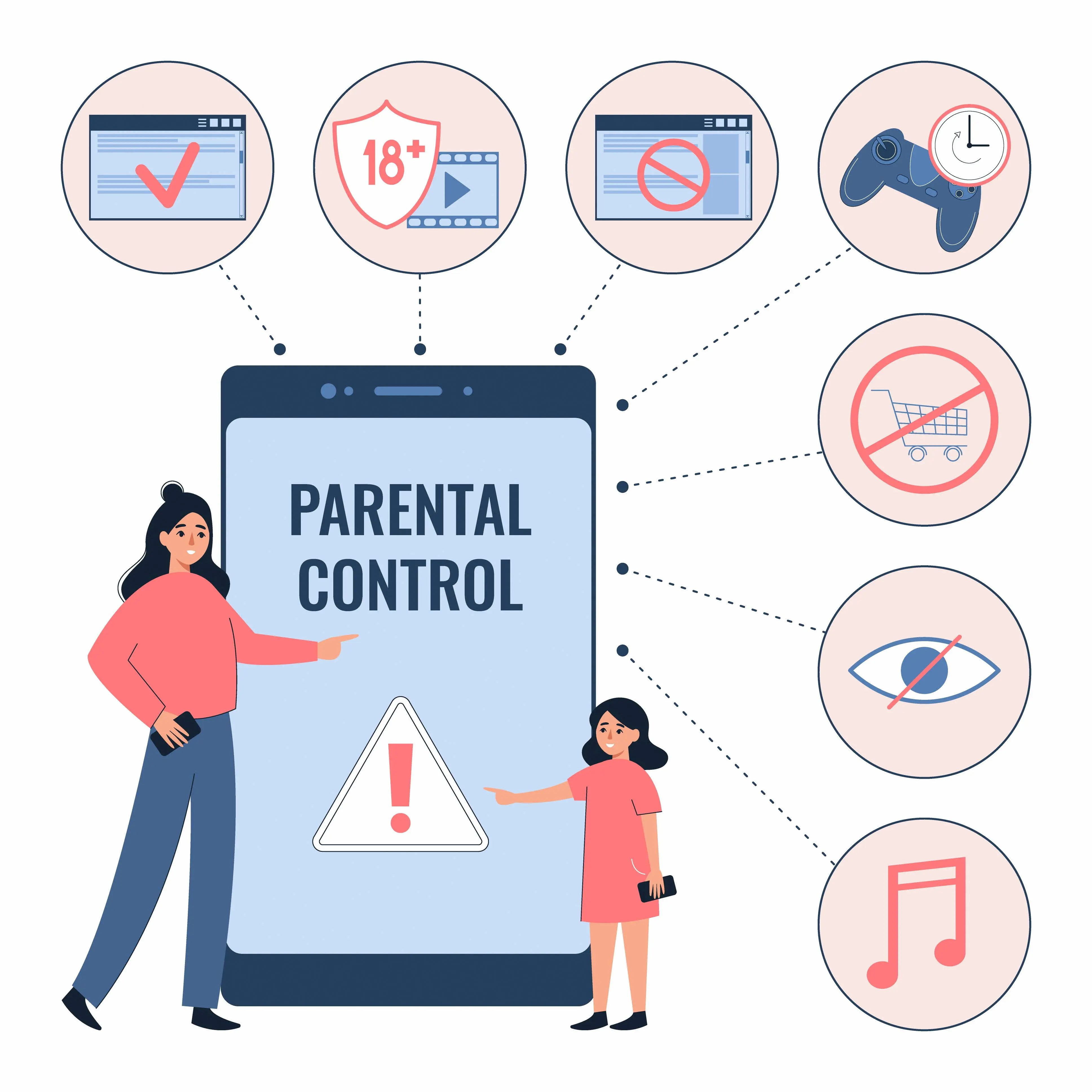
Parental controls are most powerful when combined with co-use and open discussion.
Tablets
• Use App Limits and Downtime features.
• Create child profiles with age-appropriate content filters.
• Encourage using educational or creative apps only.
Smartphones
• On iPhones, use Screen Time → Downtime to block apps at certain hours.
• On Android, use Google Family Link to set daily time limits and monitor device activity to guide healthy digital habits.
• Keep devices in shared spaces—avoid unsupervised use in bedrooms.
[Useful link: Parental Supervision Services]
Source: https://parentingforwellness.hpb.gov.sg/
Parental Control on Devices

More Tips & Resources for Parents
For Children (7 to 12 years) & Teens (13 to 16 years) |
Articles: Digital For Life Parenting Controls Made Simple (1 min) Set Up and Use Smart Devices (1 min) |
Family Central, Fei Yue Community Services Checklist for Internet Safety (5 min) |
Smart TVs
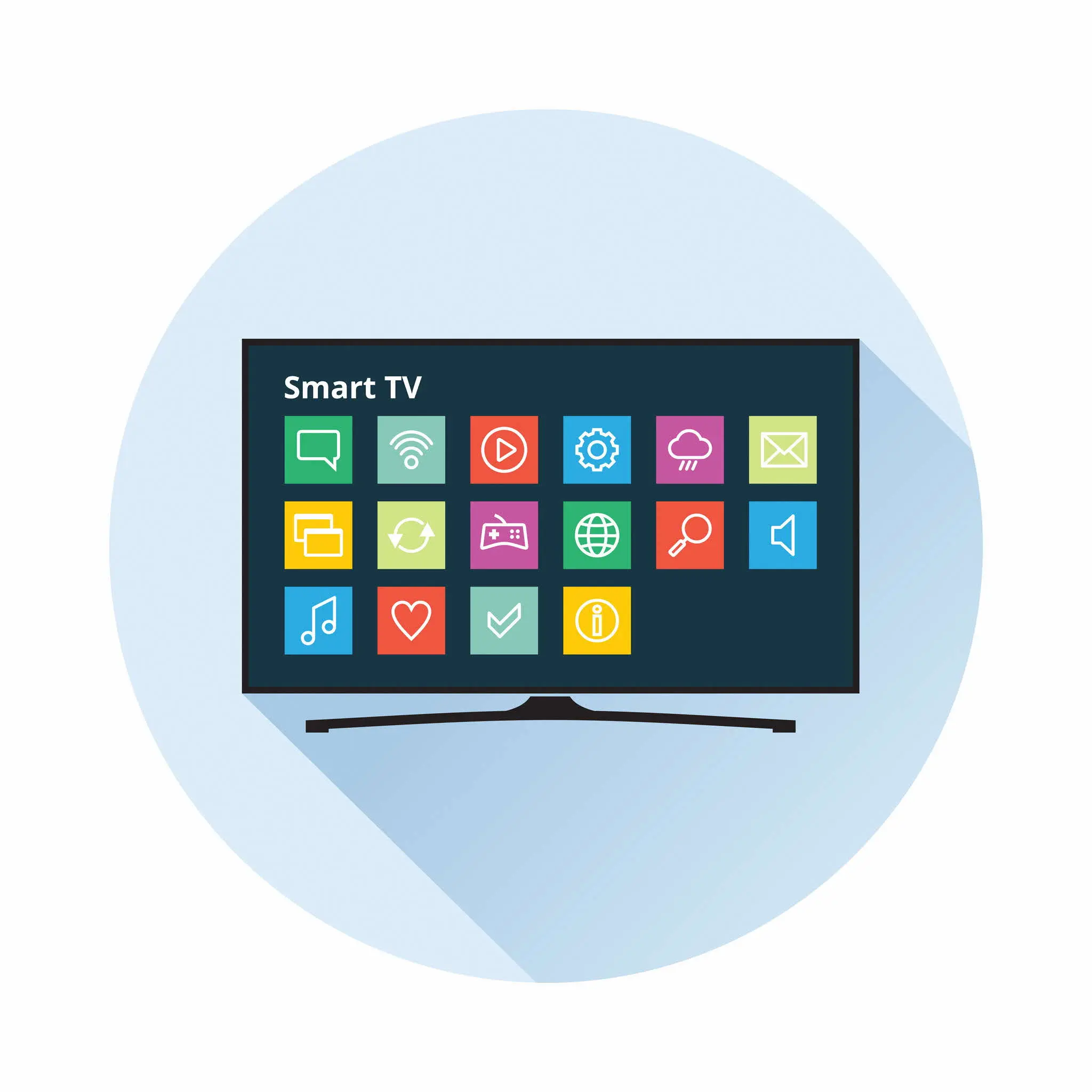
• Use parental PINs to restrict content and set time limits.
• Turn off 'Auto Play Next Episode'.
• Check Settings → Parental Controls for app-level restrictions.
Tip: Model balance — kids learn by watching their parents unplug.